The idea
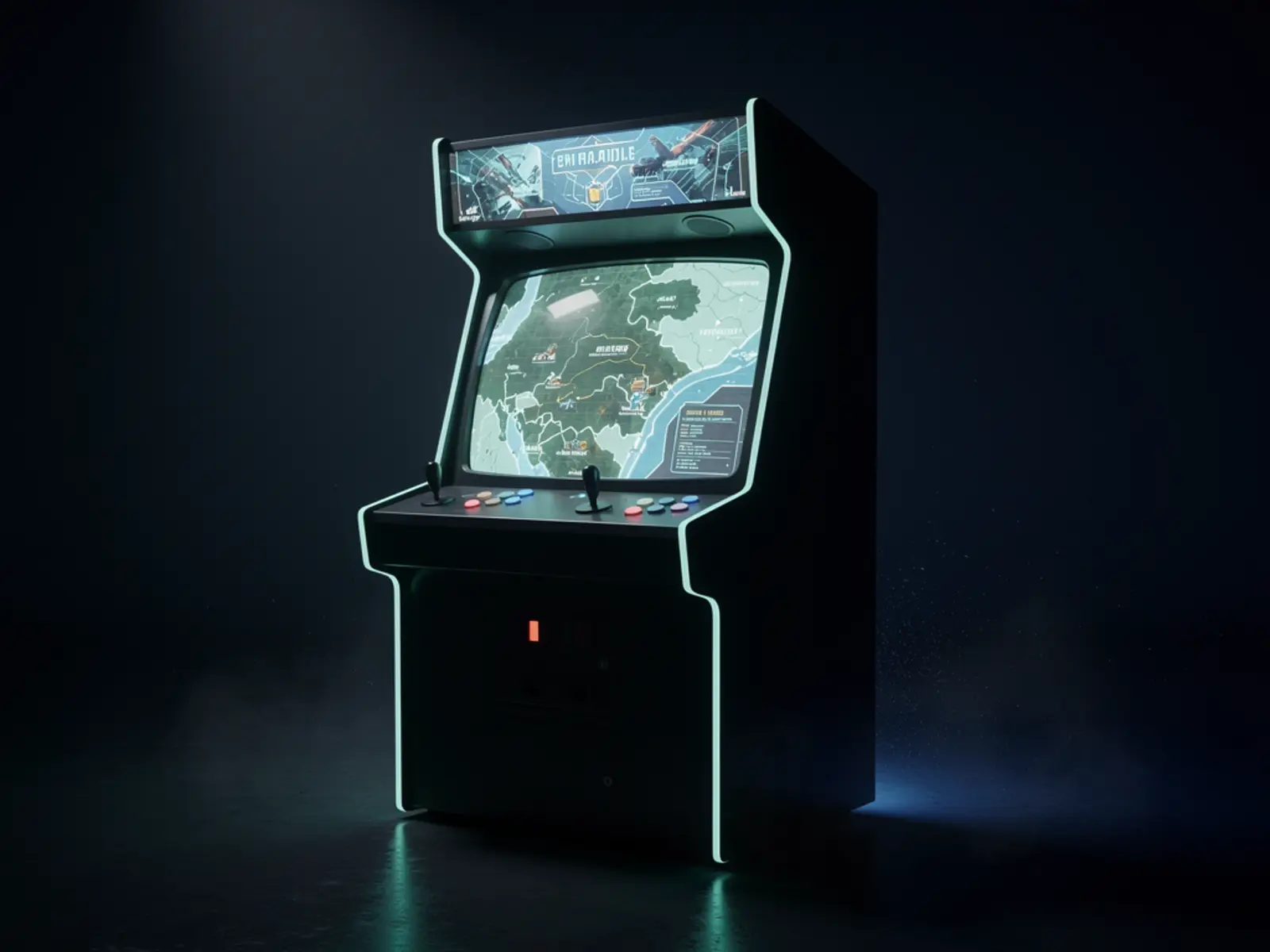
Connect a responsive local arcade match to a persistent territory game without losing or duplicating results. V1 is one two-player control panel, an existing display/computer and one authoritative world service. A network of always-on Raspberry Pi nodes is unnecessary until there is a measured availability or capacity need.
The connection
Immediate local arcade play meets persistent strategic consequences. The connection only works when a finished match changes the shared world reliably, once.
How it could work
Keep frame-by-frame play local. Send a signed or authenticated match record to the world service when the match finishes, using a unique match ID. The service validates and applies each result once. Retrying the same result must not award territory twice. Offline play needs a visible pending state and a defined reconciliation policy.
Separate local game code, cabinet input mapping and world rules. Do not make multiple machines independently authoritative over the same territory. Begin with one service and reliable persistence; replication comes after backup and restore work. A Pi is a possible service host subject to measured load, not proof that the complete game will meet a frame-rate target.
What would prove it
Run 20 short matches with two players, deliberately disconnect the network around match completion and submit duplicate records. Restart the world service during processing. Measure input-to-visible-response latency with high-frame-rate video and compare the panel against a normal controller on the same hardware.
Proposed gate: each valid match affects the world exactly once; pending matches survive a cabinet restart; rejected results are visible; the game stays playable during a network outage. For a 60 fps target, inspect frame-time distribution and target at least 95% of frames within 16.7 ms on the selected hardware, documenting any missed target.
The path to a complete build
- Demonstrate one fun local match with the existing game build.
- Integrate the encoder and label every control and harness connection.
- Add the durable result queue and idempotent world endpoint.
- Run outage/restart/duplicate tests and restore the world database from backup.
- Build the cabinet only after playtesting confirms controls, viewing position and maintenance access.
Open the engineering notebook
Components, interfaces and calculations
Use a two-player panel, documented USB encoder, existing computer/display, speakers and a serviceable harness. Test the chosen encoder's actual firmware and mode; keyboard and gamepad mappings can behave differently. A full cabinet adds cooling, physical stability, access panels and appropriate electrical installation.
A match record contains match ID, rules version, players, start/end time, outcome and validation data. A local durable queue tracks pending, accepted and rejected records. Record why a result was rejected and expose a recoverable state to the operator. Server persistence must survive a restart before confirming acceptance.
Scope and development questions
Allow 6–10 integration sessions once a playable game exists; game development is separate. Cost controls, host, display and cabinet independently. Confirm ownership/status of the existing TURF code before selecting an engine or rewriting it. A playable vertical slice plus trustworthy persistence is the release gate for the hardware concept.